Listing Preparation
Gloucester Home Office Clean-Up Before Listing Photos: A Practical Plan for Desks, Cables and Paperwork
A practical Gloucester guide for preparing a working home office for listing photos while protecting paperwork, electronics and everyday access.
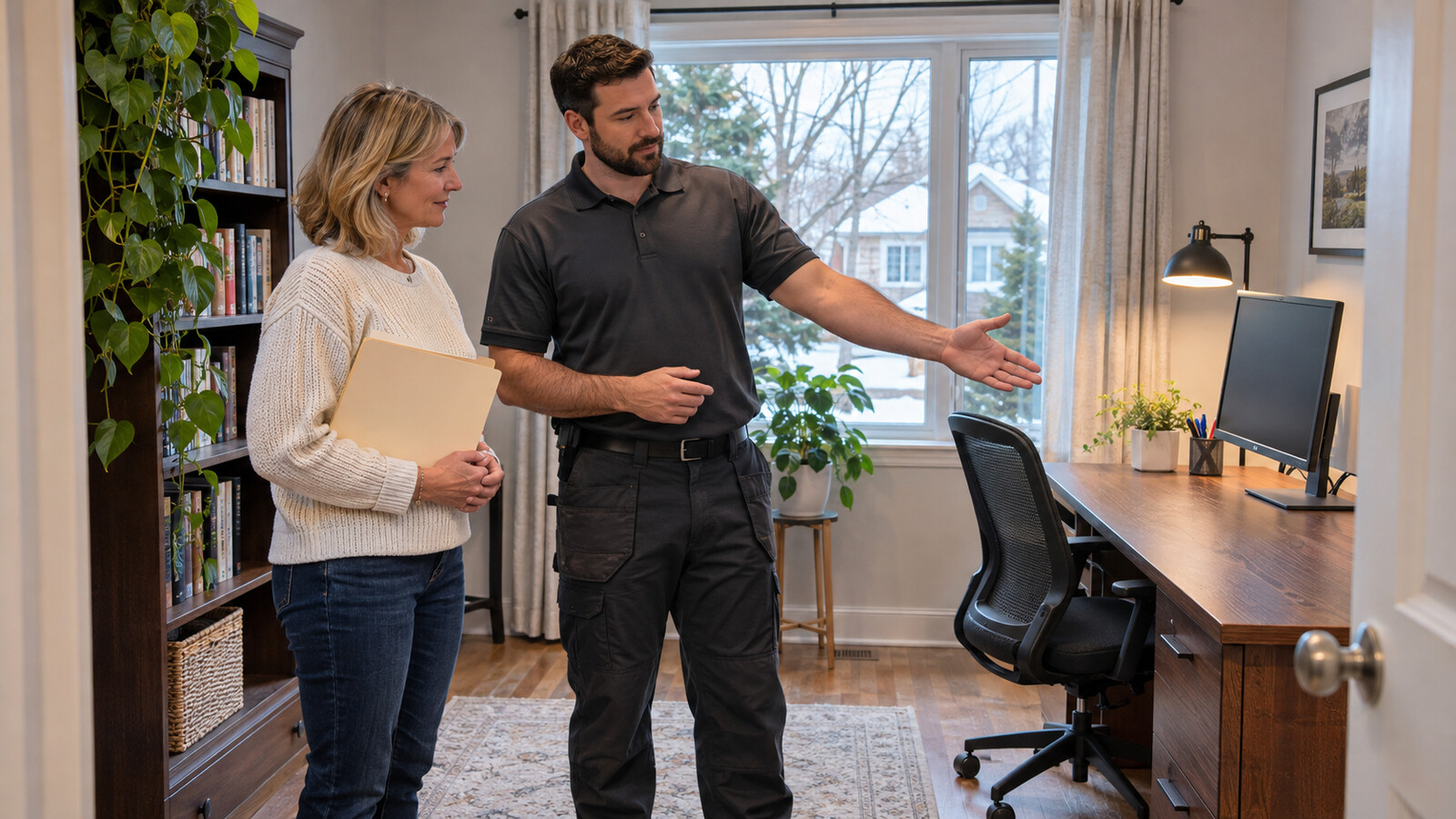
A working home office has to do two jobs during a home sale. It still needs to support everyday work, but it also has to read clearly in listing photos and showings. The goal is not to empty the room or create an artificial display. It is to simplify the desk, protect private information and make the room's size and function easy to understand.
For Gloucester sellers and real-estate agents, the office often needs a more careful plan than a spare bedroom. Monitors, cables, files, printers and work equipment cannot simply be pushed into a closet. A useful reset keeps necessary items available while removing the visual layers that make a photo feel crowded or overly personal.
Begin with the camera-facing view
Stand in the doorway and take a quick reference photo. Then check the likely angle from the nearest corner or hallway. Those views show what the camera will notice first: the desk silhouette, chair position, window, shelves and the route through the room. Work from those major shapes before spending time on small decor.
A desk should not block the entrance or dominate every angle. If it is staying in place, clear enough floor around it to show the room's dimensions. Avoid moving heavy furniture solely for a photograph unless the new position is stable, practical and confirmed. A simple open path from the door usually improves the room more than adding accessories.
- Photograph the room from the doorway before changing it.
- Keep the route to the chair, window and closet clear.
- Reduce large visual stacks before arranging small objects.
- Check what is reflected in screens and glass.
- Confirm which equipment must remain available for daily work.
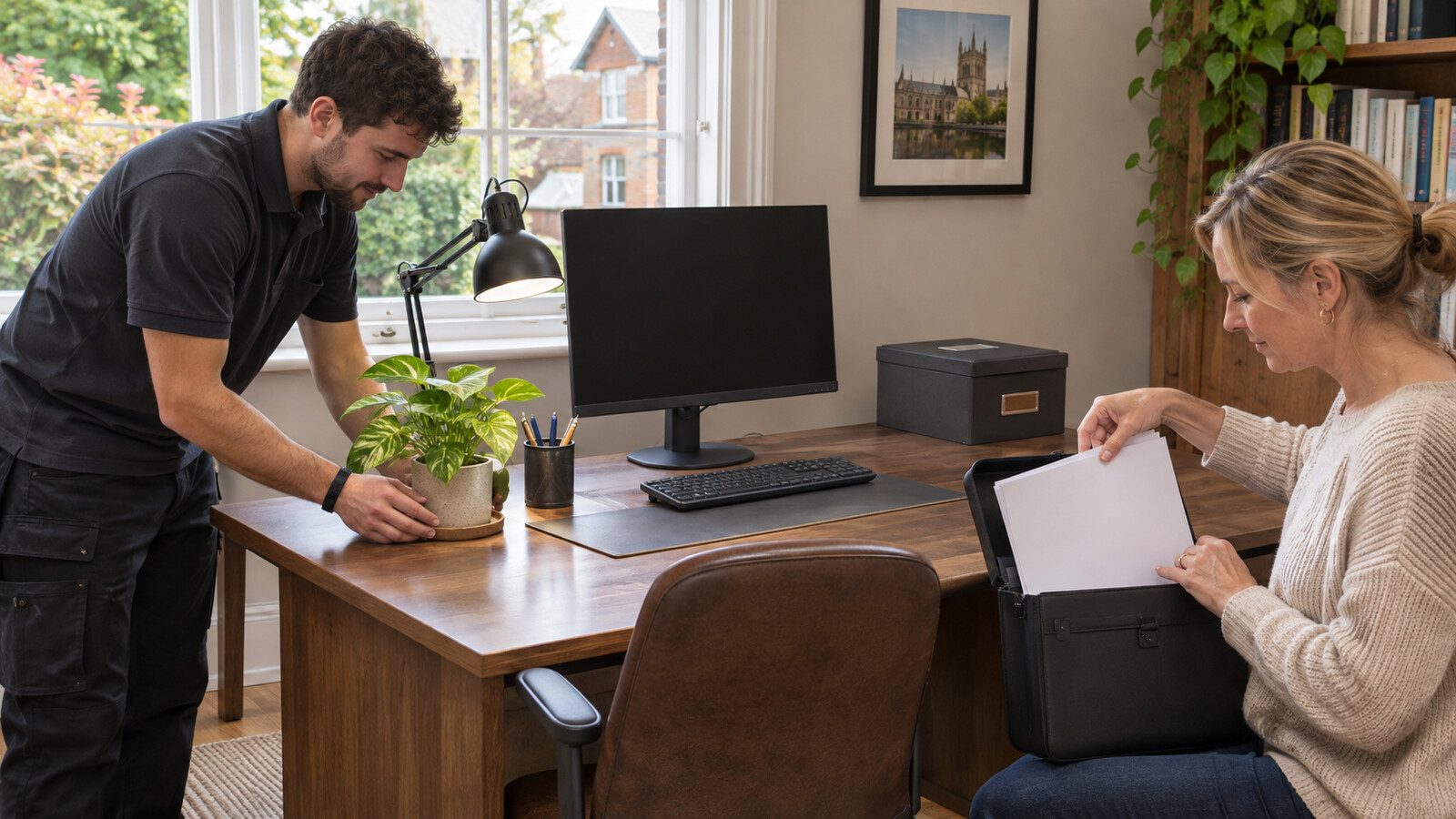
Protect paperwork and personal information first
Remove documents with names, addresses, account details, client information or signatures before cleaning begins. Do not place sensitive papers in an open recycling box or an unlocked drawer that buyers may inspect. Use a secure container that can leave the room during photographs and showings, then return it only when the space is private again.
Sort visible paper into action, archive and secure-disposal groups, but finish the decision before the photo appointment. A temporary pile labelled for later still appears as a pile. Manuals and reference books that remain should be placed upright or in a closed file box rather than spread across the desk and floor.
Simplify the desk without disconnecting the workday
Keep the equipment that explains the room: a monitor or laptop, keyboard, task light and one small organizer may be enough. Move duplicate devices, packaging, unused chargers and backup supplies to an approved storage area. The desk should look functional, not abandoned, but each item should have a clear reason to remain in the frame.
Clean accessible hard surfaces with methods suitable for their finishes. Electronics should be powered down and handled according to their instructions; cleaning a room is not permission to spray screens, open equipment or disconnect a work system without the owner's approval. If a cable or device cannot be identified, leave it in place and ask.
Control cables at the edges
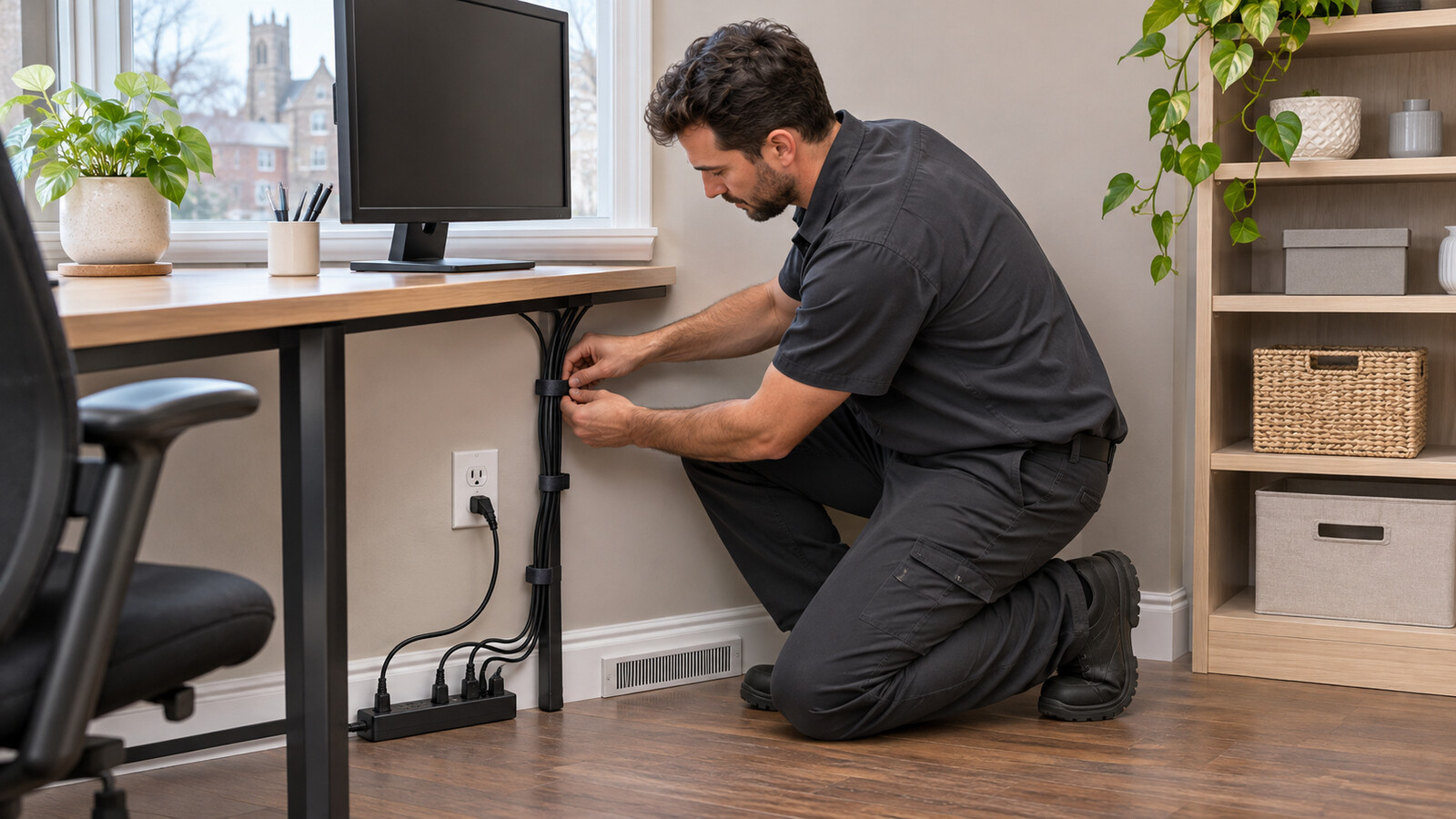
Loose cables draw attention because they cross clean lines on walls, floors and furniture. Unplug only items the owner has approved. Group known cables loosely behind the desk, keep ventilation openings clear and avoid tight bends. Do not hide power bars under rugs or place cords across the walking route.
If equipment must stay connected, photograph the existing setup before moving any cord. Use that reference when returning the room to service. A cable route should remain visible enough for the homeowner to inspect, even if it is less prominent in the photo. Listing preparation should never trade safe access for a cleaner-looking image.
Edit shelves and backgrounds for depth
Shelves should show depth instead of becoming a solid wall of objects. Remove damaged binders, empty packaging, duplicate supplies and highly personal material. Keep a restrained mix of books, closed storage and a few neutral objects. Do not overfill every opening simply to avoid deciding where something belongs.
Check the wall behind video calls and the view behind the chair. Awards, schedules, family details and whiteboards may contain information that should not appear online. Replace them with a clear wall or neutral arrangement when practical. If wall-mounted equipment is staying, leave it secure rather than removing it for a single photograph.
Clean in an order that protects electronics
Work from higher accessible surfaces toward the floor, using controlled methods that do not spread dust into computers or vents. Clean open shelf edges, desk legs, baseboards and the floor around the chair after loose items have been sorted. Avoid aggressive vacuuming around exposed cords or small components that could be pulled into the equipment.
Leave repair, electrical and network work to the appropriate people. Listing preparation can reveal loose outlets, damaged cords, unstable shelving or marks that need further attention, but cleaning should not be presented as a repair. Record the condition and decide separately whether specialist work is needed before photography.
Prepare for the final photo-day reset
On photo day, remove drink containers, loose notes, headphones, delivery boxes and charging devices that accumulated after the main clean-up. Straighten the chair, open blinds or curtains as directed by the photographer and make sure bulbs and fixtures are working safely. Screens should be off or display only approved neutral content.
Take one final phone photo from the doorway and check it at thumbnail size. This quickly reveals bright cable loops, uneven stacks and objects under the desk. Confirm that the room can return to normal work after the shoot without searching through unlabelled boxes or reconnecting an undocumented setup.
What to send for a home-office preparation quote
Send wide photos from the doorway and opposite corner, plus closer views of the desk, shelving, floor edges and any items that may need moving. Include the Gloucester address, the listing-photo deadline, room access details and a clear list of equipment that must stay connected. Mention stairs, narrow halls or parking limits that affect the work route.
- Wide views of the entire office and doorway route.
- Photos of desks, shelves, equipment and floor edges.
- A list of items that must remain connected or accessible.
- Instructions for confidential paperwork and personal material.
- The Ottawa address and confirmed photography deadline.
A strong home-office reset protects the work that still has to happen in the room. By securing information, simplifying the desk, controlling approved cables and cleaning around electronics carefully, Gloucester sellers can present a clear, useful space without pretending that no one works there.
Photos are illustrative examples of typical residential service results.